
Full-Stack & UI/UX · AI & Agents · AI Marketing & Analytics
ImprovTalk: React Native AI Coach for Charisma and Rapport
By David Gadyan · Published · Updated
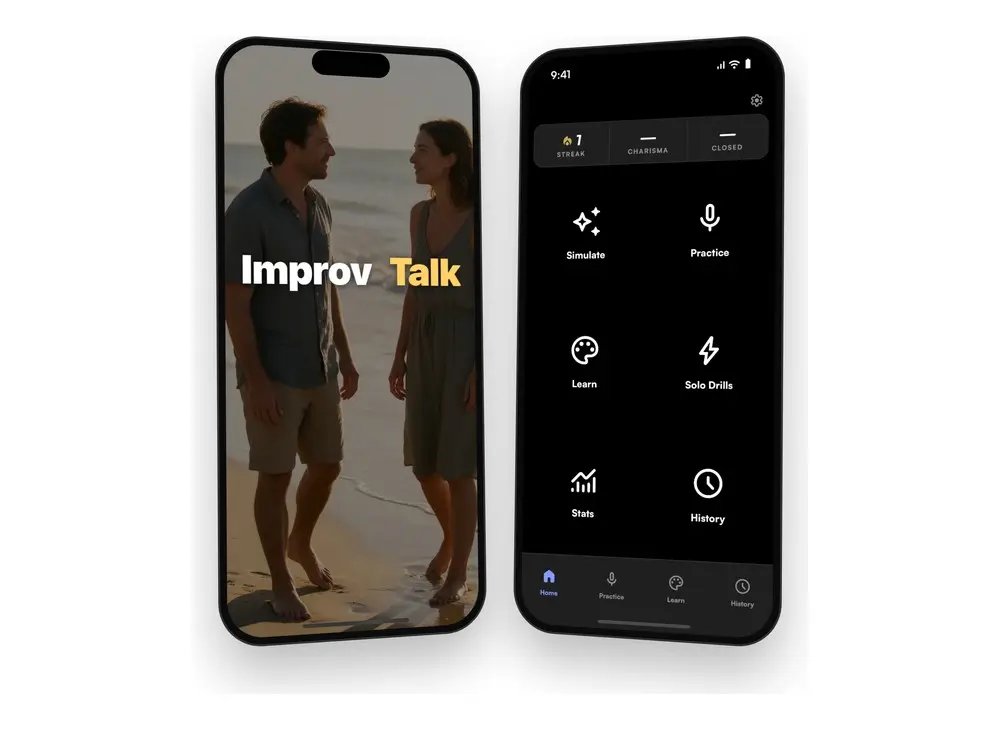
ImprovTalk is a voice-first mobile app for building charisma, communication and rapport. You pick a real-world scene, hold one button and talk out loud to a live AI persona, then get a Charisma Score with line-level feedback on what you said and how you sounded. I designed and built it end to end: the design system and UX, the React Native front end, the FastAPI back end, real-time voice, the three-plan paywall, and the generative AI video ads that market it.
The problem
Charisma is a set of trainable behaviours, listening and building on what the other person said, and real conversations are unscripted. The only honest practice is out loud, unrehearsed and with feedback, which is what ImprovTalk is for. The build had two product problems to solve first. Practice, Simulate, Learn, History and Custom Practice had accumulated as separate features, while what users want is one path: set up, talk, get scored, look back, and see progress. And the visual language had drifted: a navy theme, six iOS system colours on the Home tiles, hand-typed reds and a brand gradient on every button, with nothing deciding between them.
What I built
- Scenes and live personas. Pick a real-world scene, a café, a bar, the beach, a gym, a festival, campus or the street, hold one button and talk. The AI persona answers aloud in real time over OpenAI real-time voice and WebRTC; there is no typing.
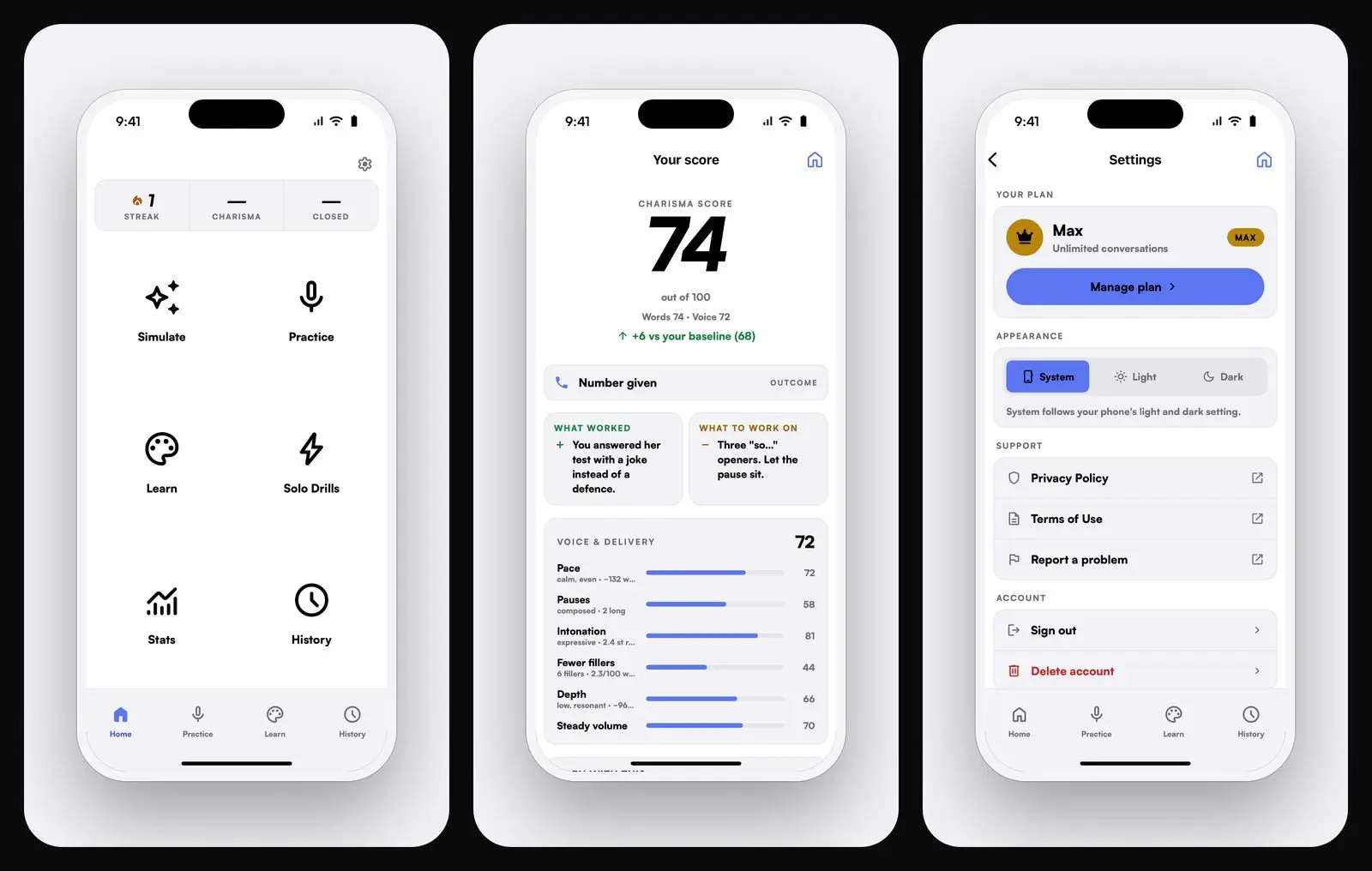
- Charisma Score with line-level feedback. When the conversation ends you get what worked, what to work on and how you sounded: pace, pauses, intonation and fillers, measured from your own voice rather than guessed. The score weighs fluency, confidence and improvisation.
- Simulate. Multi-round scenarios against different personality blends, with a verdict after each run.
- Learn and Custom Practice. 104 techniques and 27 catalogs of things to talk about; Custom Practice builds a persona from a description or from a public Instagram profile.
- Real Talk. Upload a recording or describe a conversation you had and get a 0–100 grade, a transcript and advice on openers and next steps.
- Plans and languages. Free, Pro and Max on Apple In-App Purchase and Stripe, in English, Spanish and Russian.
The app in use
Four silent screen recordings, one per screen, with what you are looking at and why it is built that way. Press play on any phone; nothing downloads until you do.
1. Intro and Home
The splash is the wordmark over a café at night and the line "Practice. Win. Repeat.", then Home. Three numbers sit at the top, streak, Charisma Score and closed rate, with a banner under them asking you to sign in to practice live and save progress. Then the six entry points: Simulate, Practice, Learn, Real Talk, Stats and History, Practice and Real Talk with a lock badge, and a tab bar that repeats the four surfaces you use most.
Why it looks like this. This is the "one journey" fix from the problem above: every feature starts from the same screen and reports back to the same three numbers, instead of living as a separate tab with its own look.
2. Simulate and Practice: setting up a session
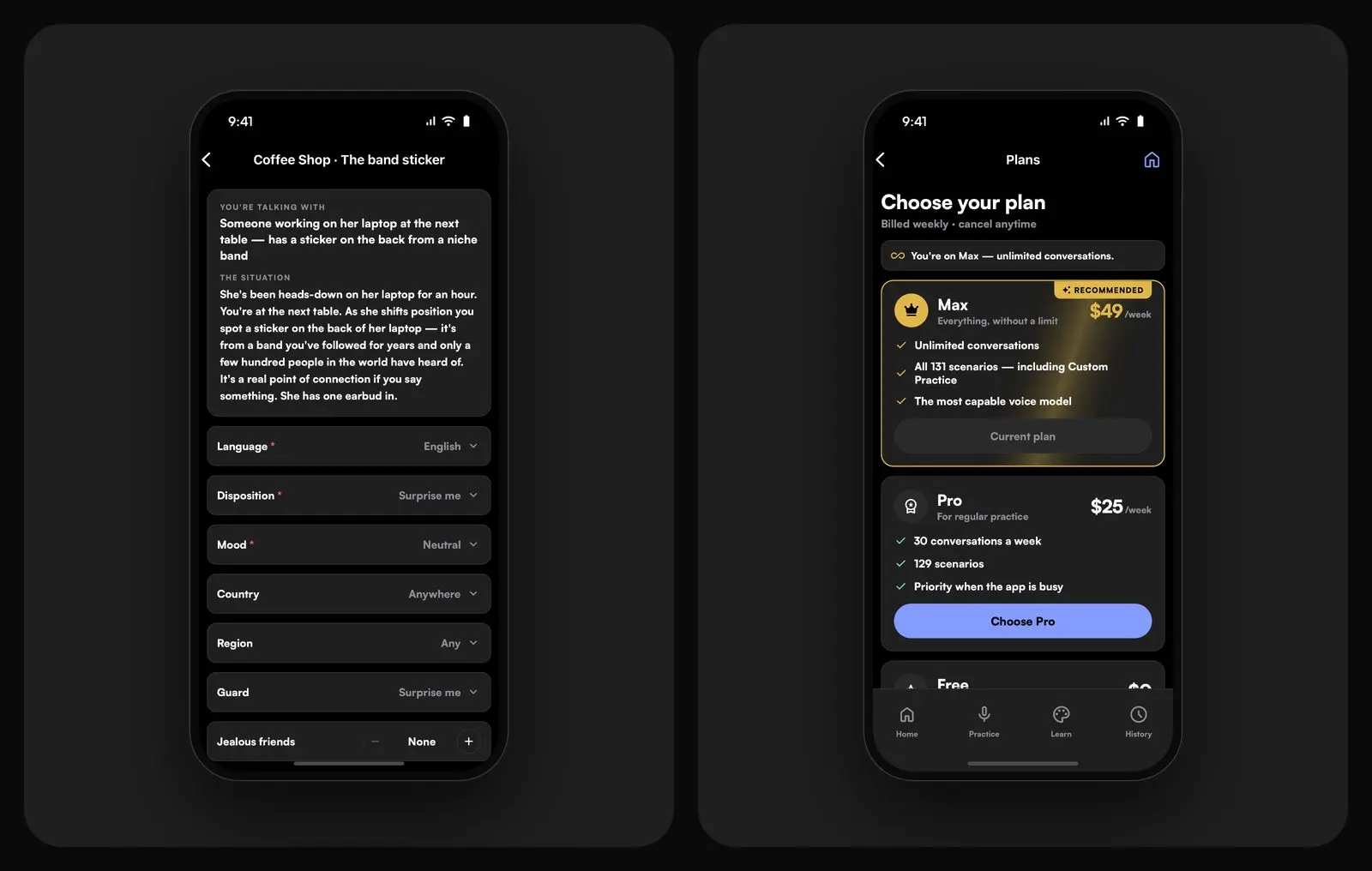
Simulate comes first, where an AI runs the whole approach and you read the scored transcript and the coach panel's verdicts, with the list of scenes to pick from: Free Improv, Bar, Beach, Swimming Pool, Festival, Park, Campus, Gym, Zoo, Aquarium, Trail, Airport, Street, Date. Practice uses the same scenes for your own sessions. Opening Bar shows its situations as round buttons, "Let me guess your drink", "Honest signature-drink verdict", "What are you drinking?", "Out with her friend". Choose one and the setup screen tells you who you are talking with and the situation, then one row per setting: language, disposition, mood, country, region, guard, jealous friends and the personality blend, Red, Blue, Yellow and Green at 25% each, always totalling 100. One button closes it: Start talking.
Why it looks like this. Every setting is a single line with its value on the right, so a full setup reads top to bottom on one screen and ends in one button. That button is where the session path starts: setup, live voice call, score, history.
3. Learn: Coach, Knowledge and Tricks
Learn opens as three collapsed groups with their counts: Coach (3), Knowledge (18) and Tricks (14). Coach holds Conversation Coach, Charisma Training and Daily Routine. Knowledge is the catalogs of things to talk about: Relationship Terms, City Attractions, World Attractions, Tattoos, Amulets, Palm Reading, Coffee Reading, Gestures, Horoscope, Paintings, Sculptures, Movies and more; a MAX badge marks the items that come with the Max plan. The clip ends by opening City Attractions.
Why it looks like this. The techniques and catalogs from the list above are what a session draws on, so they sit one tap from Home under a single heading, grouped and counted, rather than scattered as separate features.
4. World Attractions and Stats
World Attractions starts on a world map with a country-and-city search, zooms into Spain, shows its cities as pins and opens Barcelona: a row of city chips and a "Top 10 · Autumn" list, Plaça de Catalunya, Montjuïc Castle, Parc del Mirador del Poble-sec, Ciutadella Park, Park Güell, Rambla de Mar, each with its type, the chance to meet someone and how busy it is. Montjuïc Castle then gets its own page: photos, a one-line description, chance to meet, how busy, why people go there, who you will find and the best time, and "Three ways to start", three openers tagged "With a traveller", "With a local" and "Anyone here", such as "If you could teleport to anywhere you can see from up here, where would you land?". The clip closes on Stats: Practice, Real and Analyze tabs, a time range, the leaderboard, a wording tip, sessions, average and best, the trend against the previous period, the "got the number" and "any contact" rates, and the score trend chart by day, week or month.
Why it looks like this. The catalog does not stop at facts: every place ends with something to say there, which is the point of the app. Stats is the "look back and see progress" step of the journey, where the numbers Home summarises get their history.
A design system the build enforces
- One journey. Four surfaces, Home, Practice, Learn and History, and a single session path: setup, live voice call, score, history.
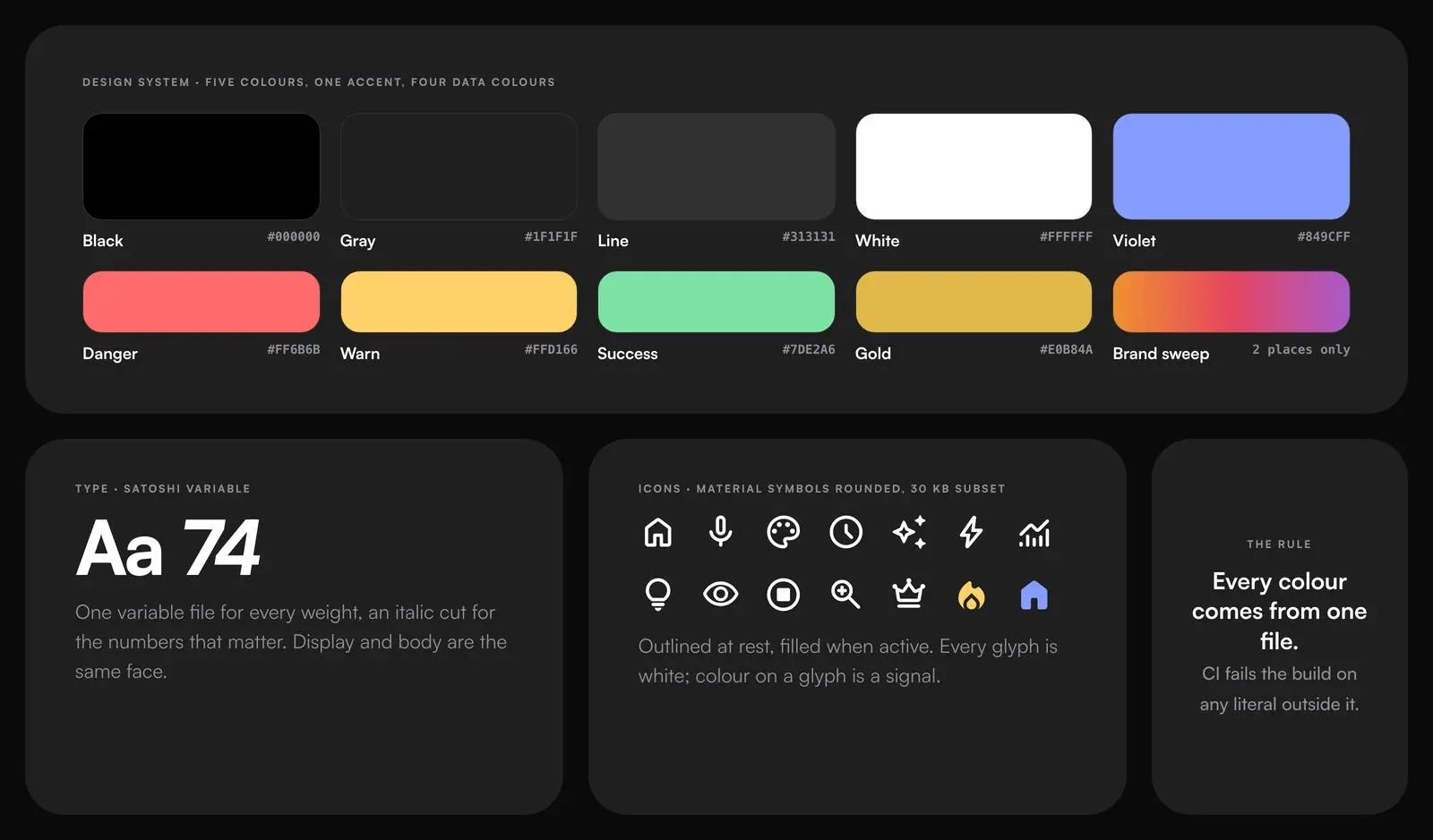
- A palette you cannot leave. The five brand colours plus the four an app needs, one accent and four data colours, Satoshi, and a 30 KB Material Symbols subset so the app draws exactly the glyphs the mockups were drawn with. A CI check fails the build on any colour literal outside the token file.
- Three versions, one decision. Flat violet; violet with the gradient kept in two places; violet plus a signal colour. The same screens each time, so the choice was between systems, not aesthetics. The gradient now lives on Hold-to-speak and the intro only, which makes it the signature rather than a button style.
- One flexible element. On the live screen only the portrait flexes and everything under it has a fixed height, so the controls never leave the screen on any phone.
- Motion as feedback. Press response with haptics, a breathing hold-to-speak disc, a counting score and staggered entrances, all off under Reduce Motion.
How it was delivered
React Native with Expo on the New Architecture for iOS and Android; FastAPI with Postgres and Redis behind it; OpenAI real-time voice over WebRTC for the live persona; a Playwright-based profile reader for Custom Practice; Apple In-App Purchase and Stripe for the plans; Prometheus and Grafana for monitoring. Voice recordings are used only to score sessions, and the app does not access contacts, photos or location and shows no ads.
Marketing: generative AI video ads
The same toolchain markets the app. A pipeline on the Higgsfield API, with Claude driving the prompts and creative direction for each customer segment and platform, produces tailored variants for Instagram, Meta, TikTok and YouTube from one brief. The same brief was run through Seedance and Kling 2.6 Pro so the difference is visible before a campaign commits to one model; both outputs are below and the pipeline code is on GitHub.
Seedance:
Kling 2.6 Pro:
Outcome
A coherent, token-driven UI on iOS and Android with light and dark themes, a three-plan paywall and a live-session layout that fits every phone. The app is in TestFlight with the App Store release in progress, and its ads are generated rather than produced by hand.
Related projects
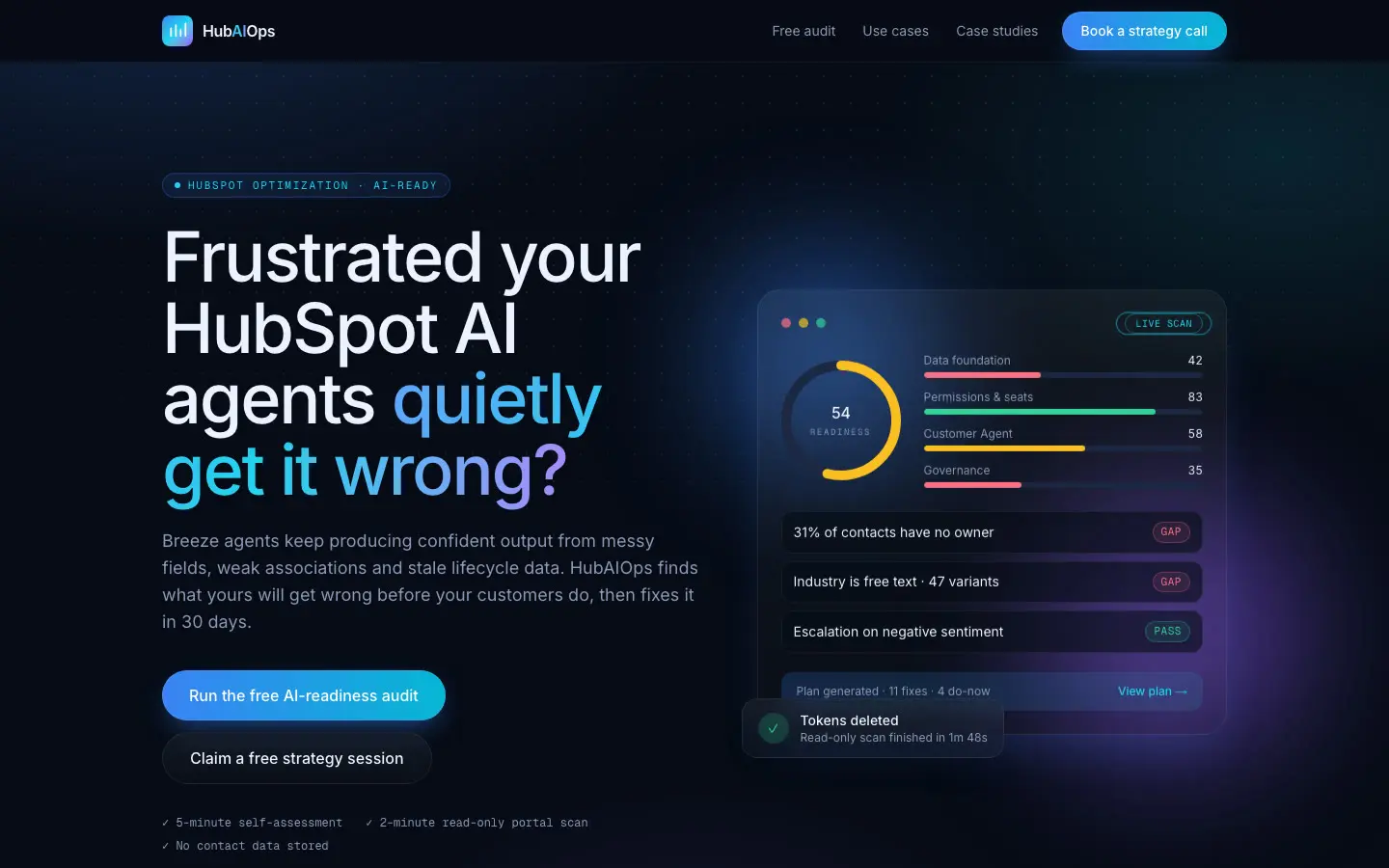
HubAIOps: HubSpot AI-Readiness Audit App with Claude-Written Plans
AI & Agents · AI ERP & SaaS · Full-Stack & UI/UX
Receptra: AI Voice Receptionist SaaS for Small Businesses
AI & Agents · AI ERP & SaaS · Full-Stack & UI/UX
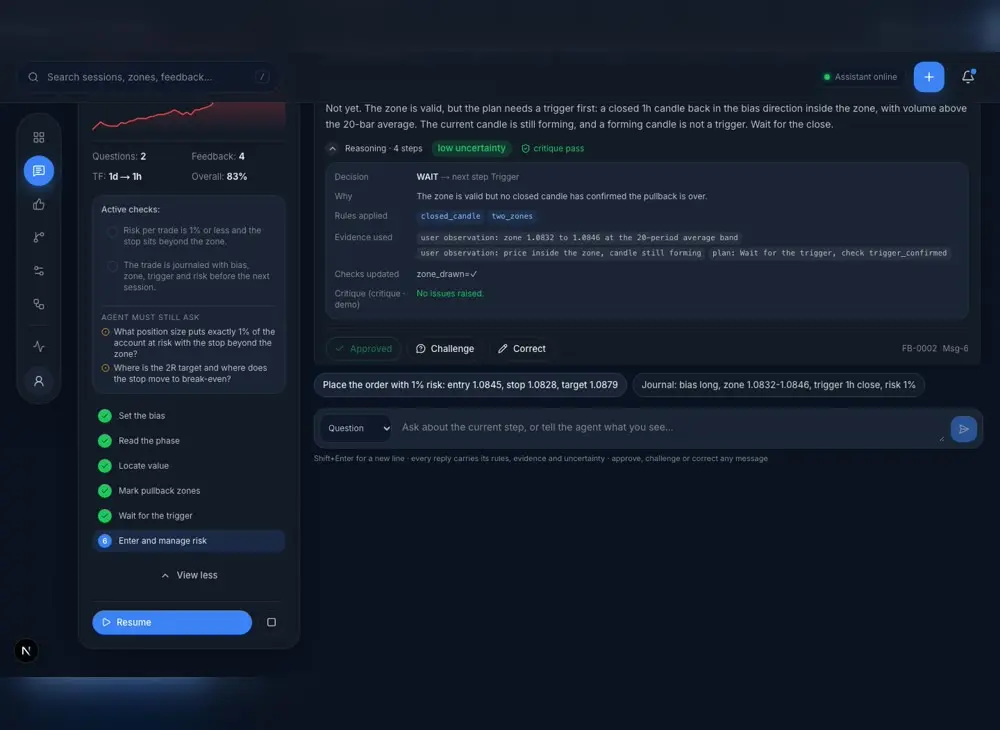
AI Trading Assistant: a Copilot That Holds You to Your Own Strategy
AI & Agents · Finance & Quant · Full-Stack & UI/UX